Your backend, fully visible.
A local admin UI for your schema, data, SQL, logs, and advisors — running against your live edge database.
it ships with every Lunora app and opens with lunora dev
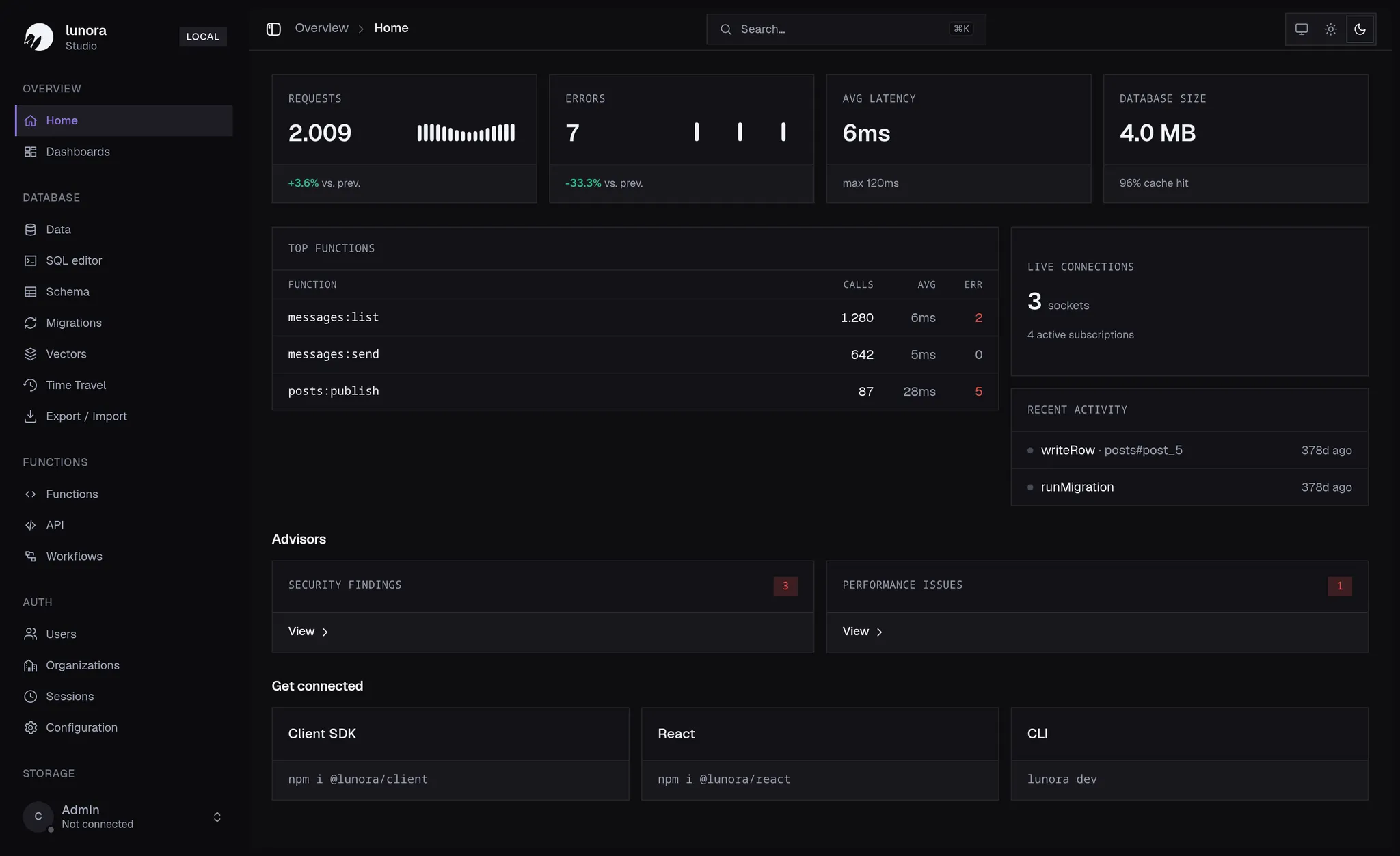
One window into your edge data
Studio reads your schema and talks to your Durable Objects directly — so what you see is exactly what your app sees.
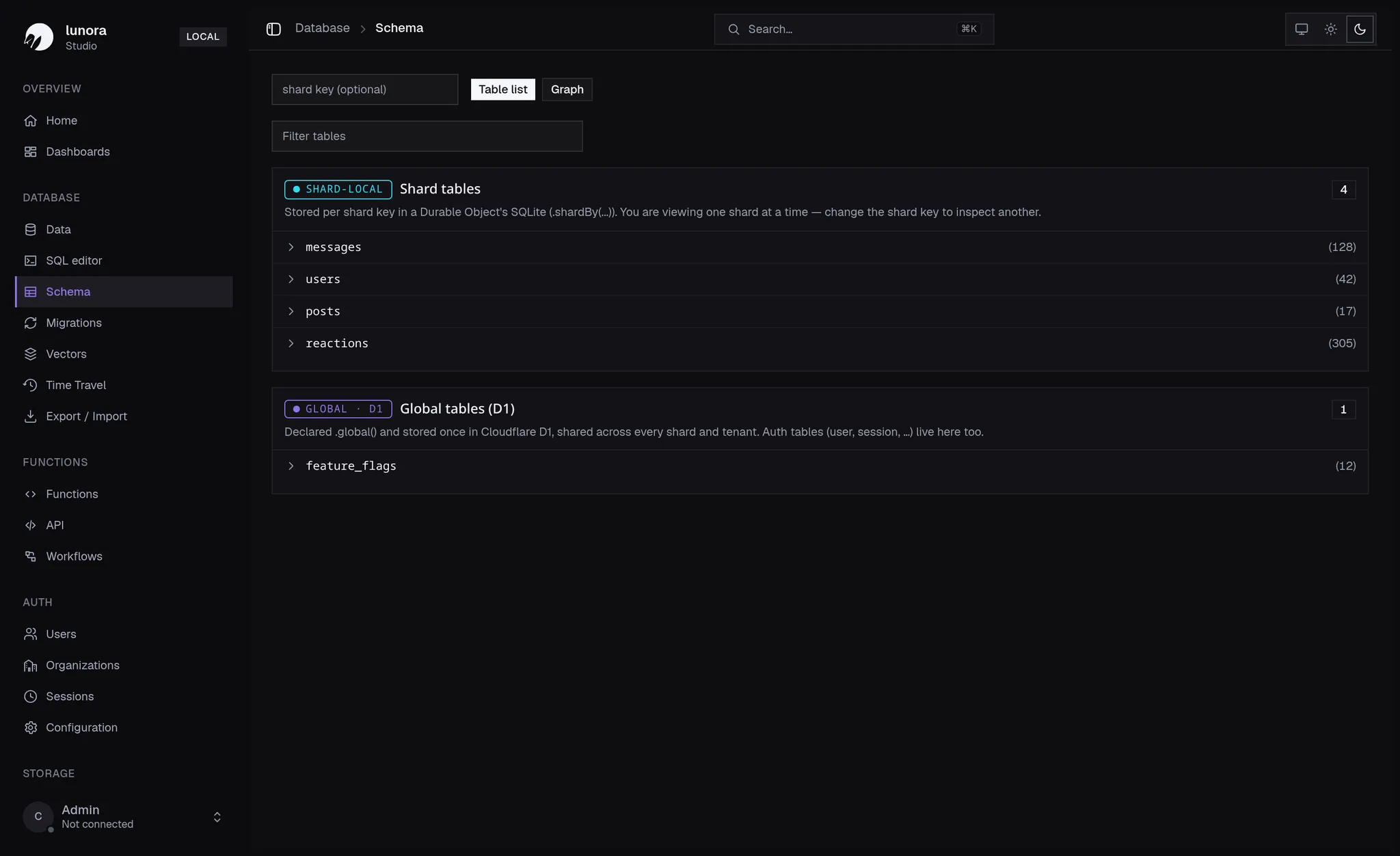
Your data model, at a glance
See every table the way Lunora does — shard-local SQLite tables and globally replicated D1 tables, with their columns, indexes, and relations, all derived from defineSchema.
- Shard-local and global D1 tables side by side
- Add tables, columns, and indexes, then rerun codegen
- Table list or interactive relation graph
Browse data where it lives
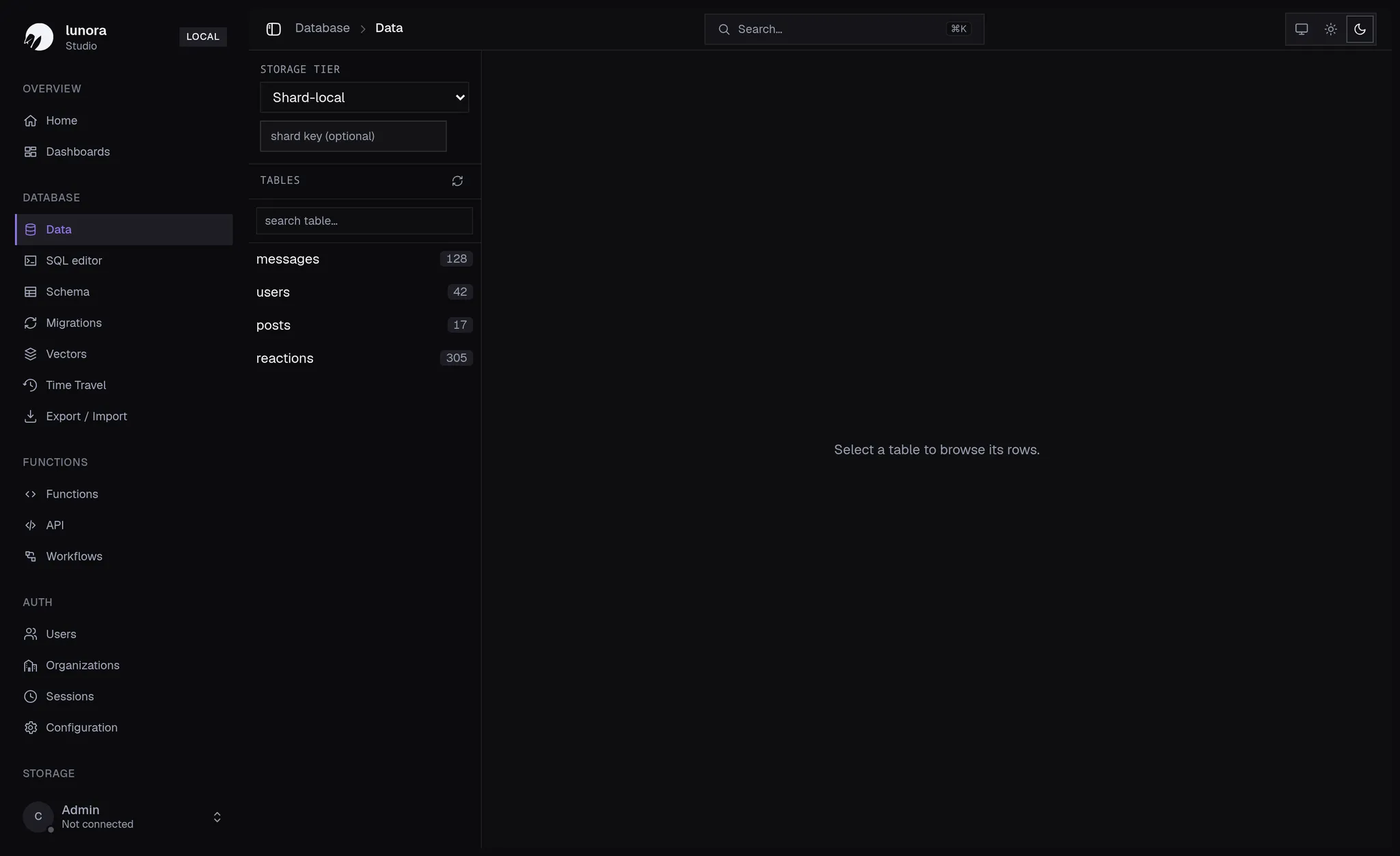
Browse and edit live rows straight from the edge. Switch storage tier and shard to inspect exactly the data a given user or room sees.
- Pick a storage tier and shard key
- Live rows streamed from your Durable Objects
- Inline editing against the real database
A SQL console for the edge
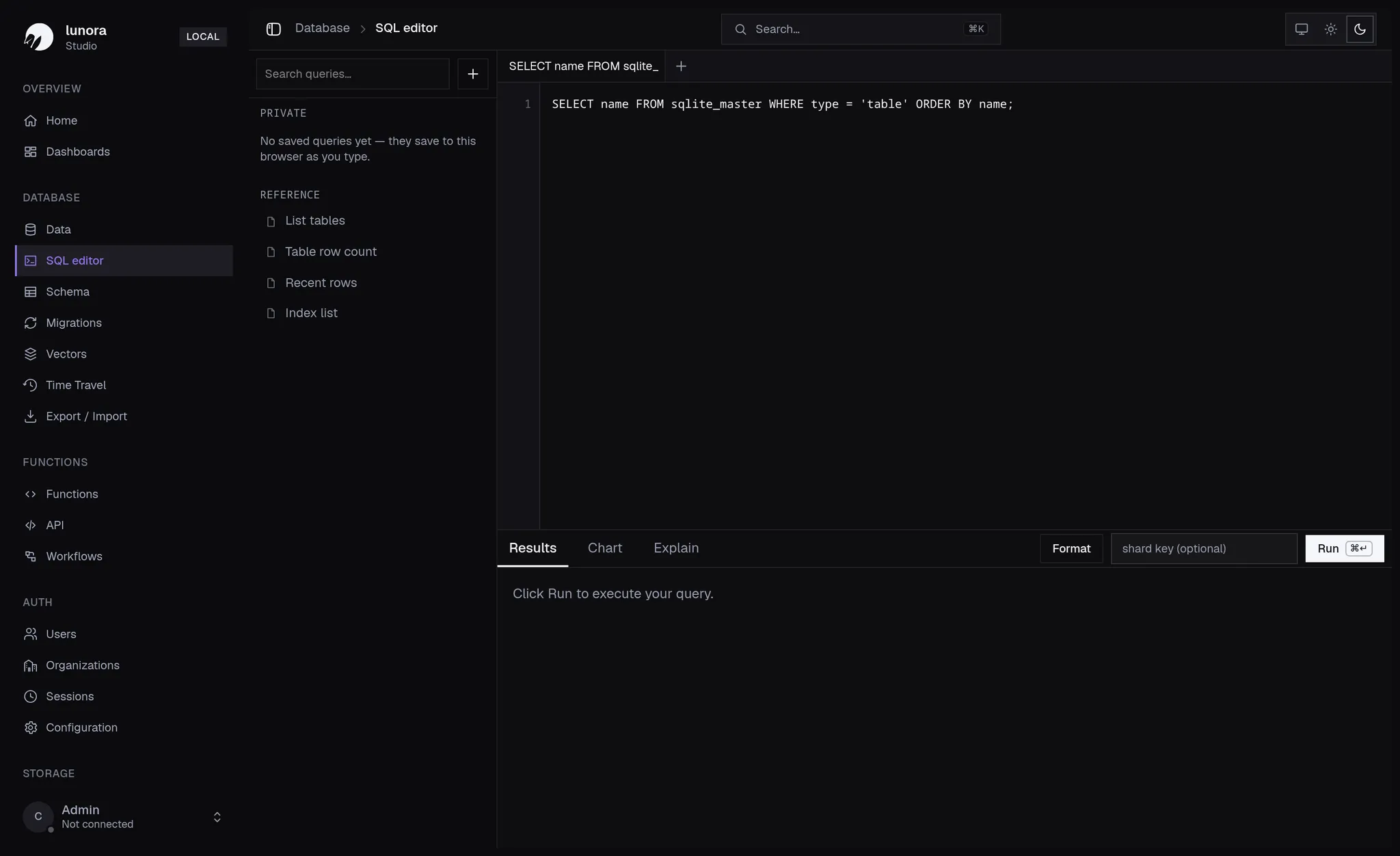
Run SQL against any shard or your global D1 tables without leaving the studio — perfect for one-off lookups, debugging, and quick fixes.
- Query a single shard or the global tier
- Full SQLite syntax over your live data
- Results rendered as a sortable table
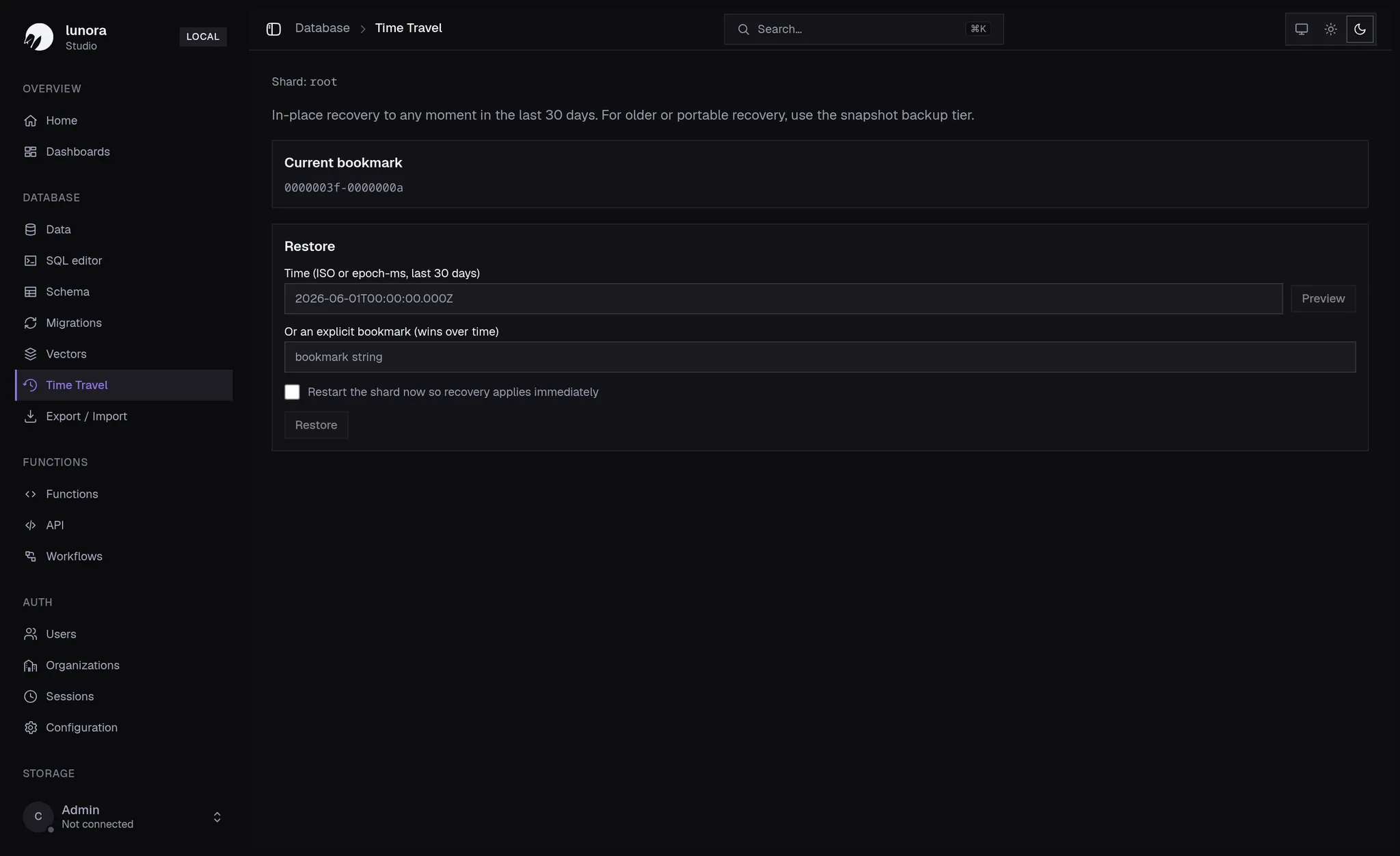
Rewind to any moment
Every shard is a SQLite database you can rewind. Restore to any moment in the last 30 days by timestamp or bookmark — no extra infrastructure required.
- Point-in-time restore for any shard
- Recover by ISO time or explicit bookmark
- Restart the shard so recovery applies instantly
Metrics, the moment you need them
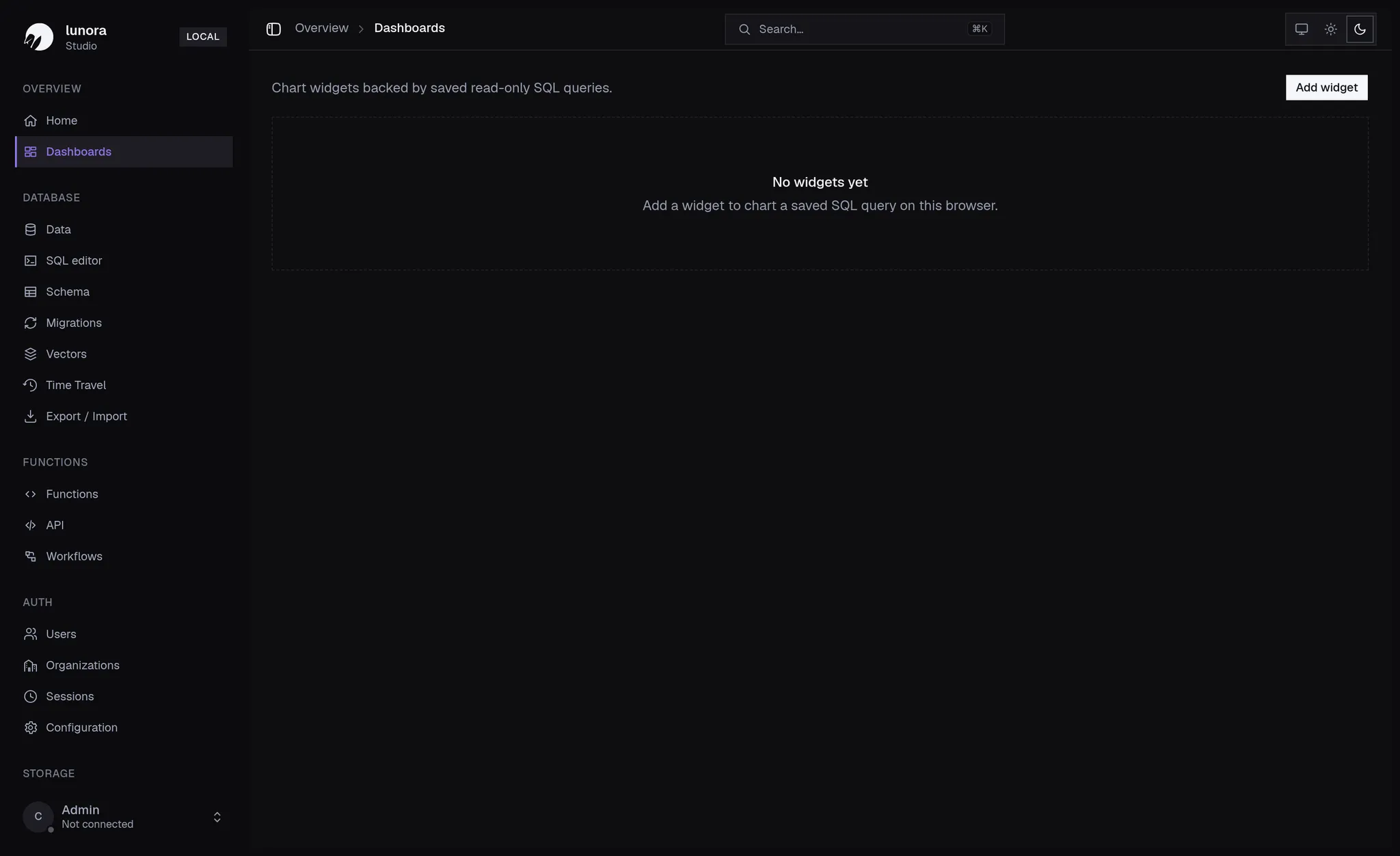
Requests, errors, latency, and live connections — surfaced on a home overview and arranged into dashboards.
Observe durable workflows
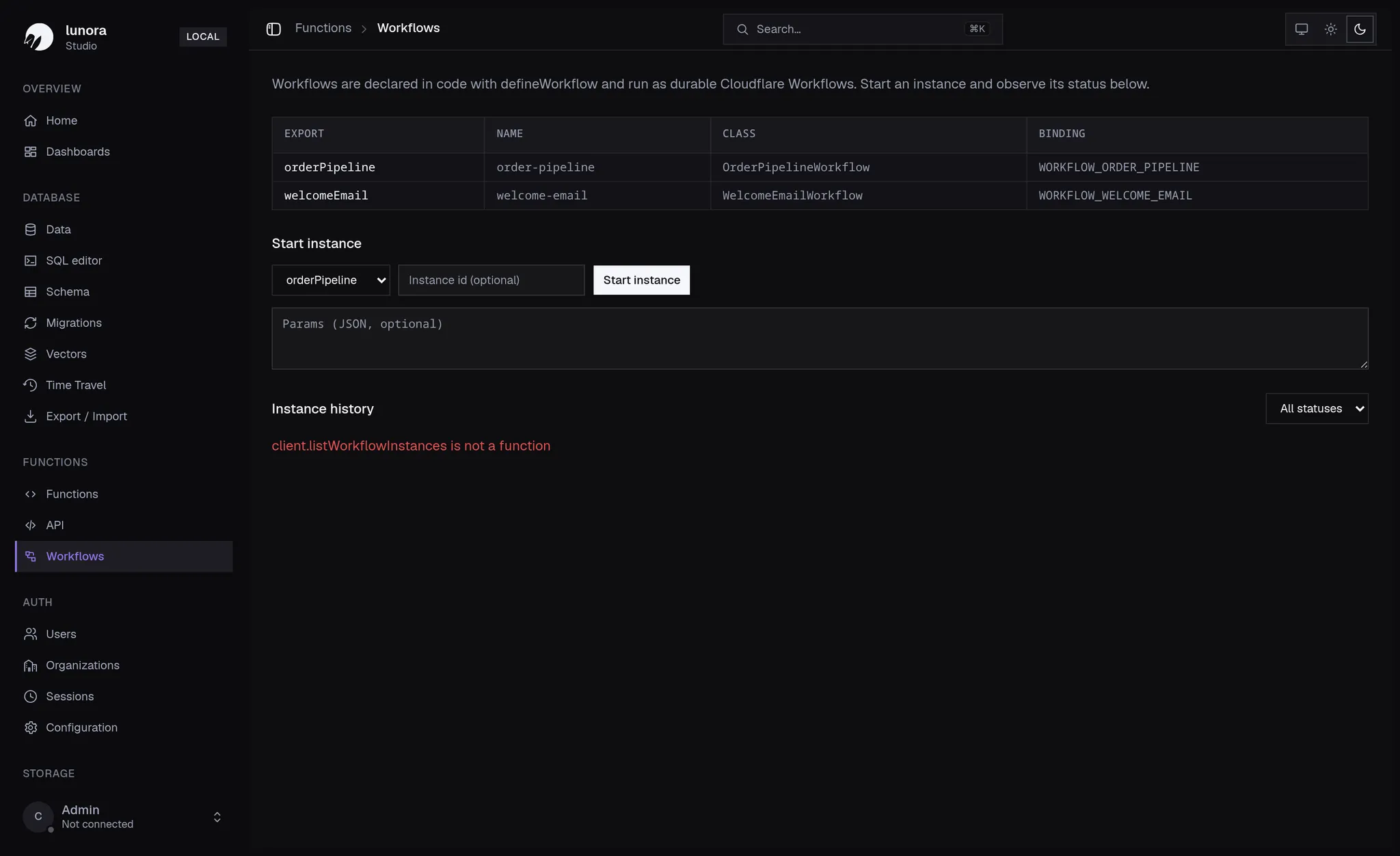
Workflows declared in code run as durable Cloudflare Workflows. Start an instance and watch its status from the studio.
More in the box
The studio grows with your app — every Lunora capability shows up here.
Dashboards
Live metrics for requests, errors, latency, and database size — composed into dashboards.
Workflows
Inspect functions declared with defineWorkflow and run as durable Cloudflare Workflows.
Advisors
Static schema and query lints surface unindexed FKs, duplicate indexes, and more.
Migrations & data
Export and import data, replay migrations, and inspect every Lunora function and route.
Open it with one command
Studio runs locally with the Lunora CLI and Vite plugin — always pointed at your live edge database. Nothing to install, nothing to deploy.